How to Prepare Your Heritage Site for 3D Documentation
A practical guide for heritage site managers on preparing for 3D scanning and virtual tour creation. Learn what to expect, how to plan access, and common pitfalls to avoid.
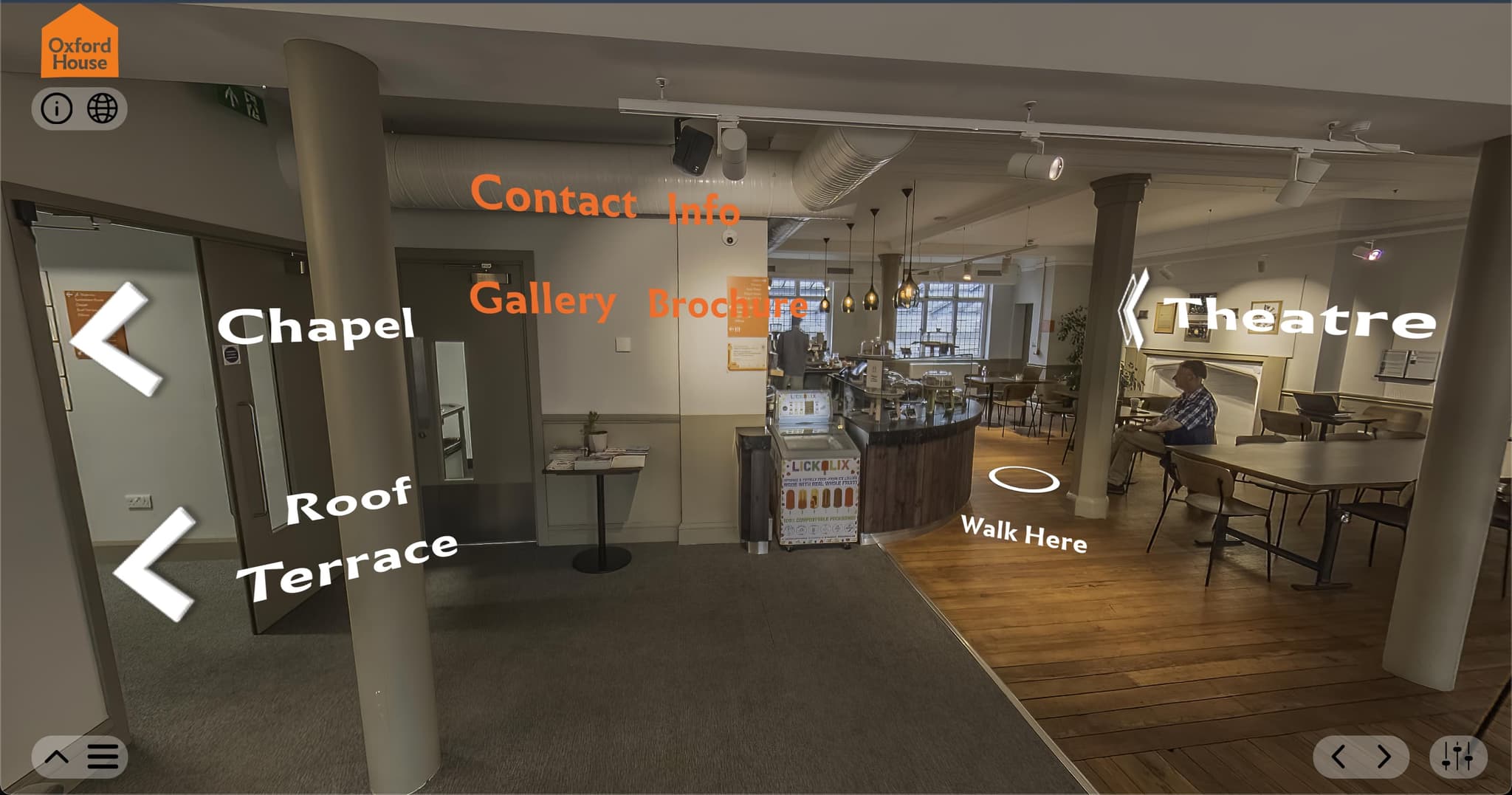
You've decided to invest in 3D documentation for your heritage site – whether it's for digital preservation, virtual tours, or grant-funded accessibility projects. That's excellent. But before the camera equipment arrives, there's important groundwork that can make the difference between a smooth, successful capture and a frustrating, expensive do-over.
Having documented everything from Grade II listed windmills to historic churches and cultural landmarks across London, I've learned that preparation is where most projects succeed or stumble. This guide will walk you through exactly how to prepare your heritage site for 3D documentation, saving time, money, and stress.
Understanding What 3D Documentation Actually Involves
Before we dive into preparation, let's clarify what's happening during a 3D documentation project. Whether using photogrammetry, Gaussian splatting, or traditional 3D scanning, the process involves capturing your site from multiple angles to create an accurate digital twin.
For heritage sites, this typically means:
- Exterior documentation – Building facades, architectural features, surrounding grounds
- Interior spaces – Rooms, displays, structural elements, decorative details
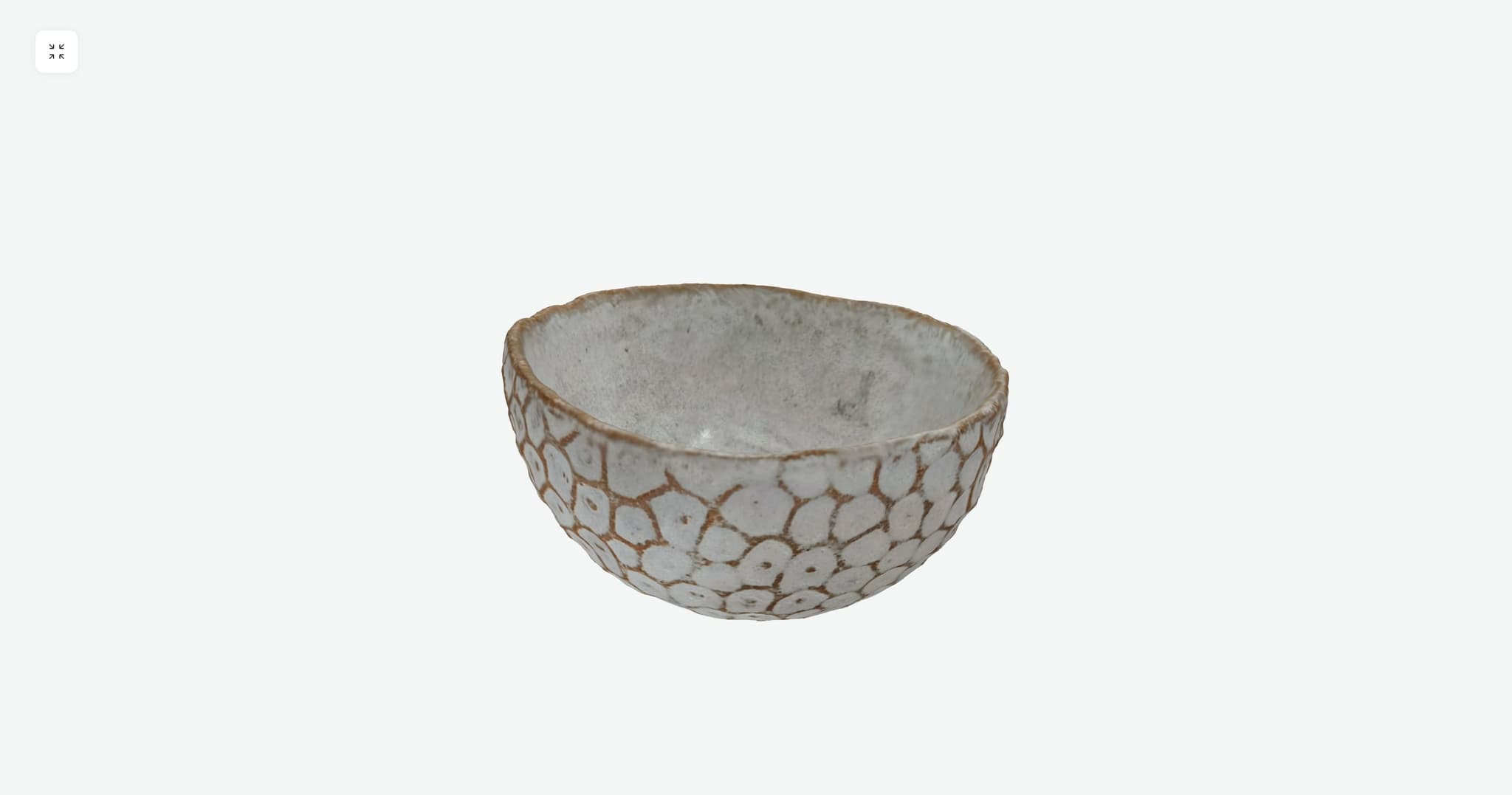
- Individual artefacts – Museum pieces, architectural fragments, historical objects
- Contextual elements – Signage, interpretive displays, visitor facilities
Each element requires specific lighting conditions, access arrangements, and capture techniques. Your preparation should account for all areas you want documented.
Timeline and Scheduling Considerations
One of the most common questions I receive is: "How long will this take?" The honest answer is: it depends on your site's size, complexity, and how well prepared you are.
Typical Timelines:
- Small heritage room or gallery – 2-4 hours on-site
- Medium heritage building (e.g. historic house, small museum) – Half day to full day
- Large site or multiple buildings – Multiple days, potentially phased over weeks
- Complex sites with restricted access – May require multiple visits
But here's what many site managers don't initially consider: access timing matters tremendously. If your site is open to the public, we'll need to work around visitor hours – either before opening, after closing, or on closed days.
Scheduling Best Practices:
- Book well in advance – Allow 4-6 weeks for complex sites
- Avoid peak seasons – Quieter periods mean fewer access complications
- Consider weather – For exterior documentation, overcast days are often ideal
- Plan for contingencies – Have a backup date in case of equipment issues
- Coordinate with staff – Ensure key personnel are available for access and questions
Quick Tip
The most successful documentation projects are those where site managers treat preparation as seriously as the capture day itself. An hour spent planning saves multiple hours of rework.
Site Access and Permissions
This is where preparation truly proves its value. Nothing derails a documentation project faster than discovering on the day that access is more complicated than expected.
Questions to Answer Before Documentation Day:
- Who holds keys to all areas being documented?
- Are there any areas requiring special permission or safety clearance?
- Do heritage regulations restrict photography in certain areas?
- Are there height restrictions or areas requiring specialist access equipment?
- Do neighbouring properties need notification?
- Are there any conservation restrictions on touching or moving objects?
For listed buildings or sites with conservation restrictions, confirm with your conservation officer that photographic documentation is permitted. Most welcome non-invasive 3D documentation, but it's worth confirming formally.
Ready to Begin?
With proper preparation, 3D documentation is a straightforward process that creates lasting digital preservation of your heritage site. The time invested in preparation pays dividends in the quality of results and the efficiency of the capture day.
If you're planning a heritage documentation project and have questions about your specific site, I'm happy to discuss your requirements. Every heritage site is unique, and I work collaboratively with site managers to ensure the documentation serves your long-term goals – whether that's accessibility, conservation records, grant applications, or public engagement.
Ready to Document Your Heritage Site?
Let's discuss your project requirements and create a preservation plan that works for your organisation.
Get in Touch